Easy Ways to Boost Image Resolution to HD & 4K Fast
Discover easy ways to increase image resolution to HD and 4K. Improve clarity and quality quickly using AI tools and simple software steps.
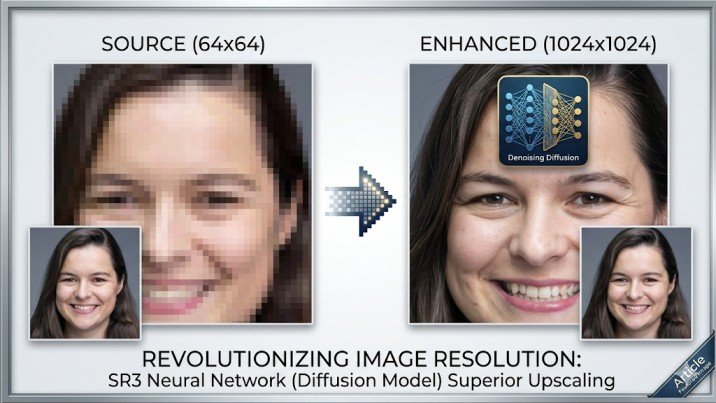
Are you sick and tired of taking poor photos that destroy your blog, posts on social media or presentations? Don’t worry! Here, we will demonstrate how to make images become HD and 4K even with the simplest tricks, so that your images would be clear, professional, and attractive without taking hours or relying on complex software.
Introduction
Images of high quality are required nowadays whether in blogs, social posts or presentation. But we are presented with low-resolution images which are blurry and unclear most of the times. This not only renders images boring but it also influences the professional impression.
The best thing is that you do not require any complex software or editing knowledge. This guide will demonstrate simple methods of enhancing images to HD and 4K so that your images can appear sharp, clear and catchy. With the help of online AI programs, simple software, or apps available on your smartphone, you can easily improve your pictures, spend no more time or effort on that.
Image Resolution: A Matter of Concern
The resolution of the images directly influences the quality of the image, its sharpness, and clarity of the images.There are numerous advantages to using the high-resolution images:
Better Visual Appeal
HD or 4K photos are bright and well-defined and that is why your blogs, posts on social media, or presentation will appear professional and beautiful.
Improved User Experience
Quality photos enable users to view details, further enhancing interest and gaining their confidence.
SEO Benefits
The search engines are more happy with good images. Visuals can be optimized and improved with high-resolution to enhance your ranking of the site.
Printing & Marketing
Images with low resolutions are blurred when printed whereas those with high resolutions are clear and your marketing materials appear professional.
Image Resolution Enhancing Tools
Online AI Tools
LetsEnhance.io
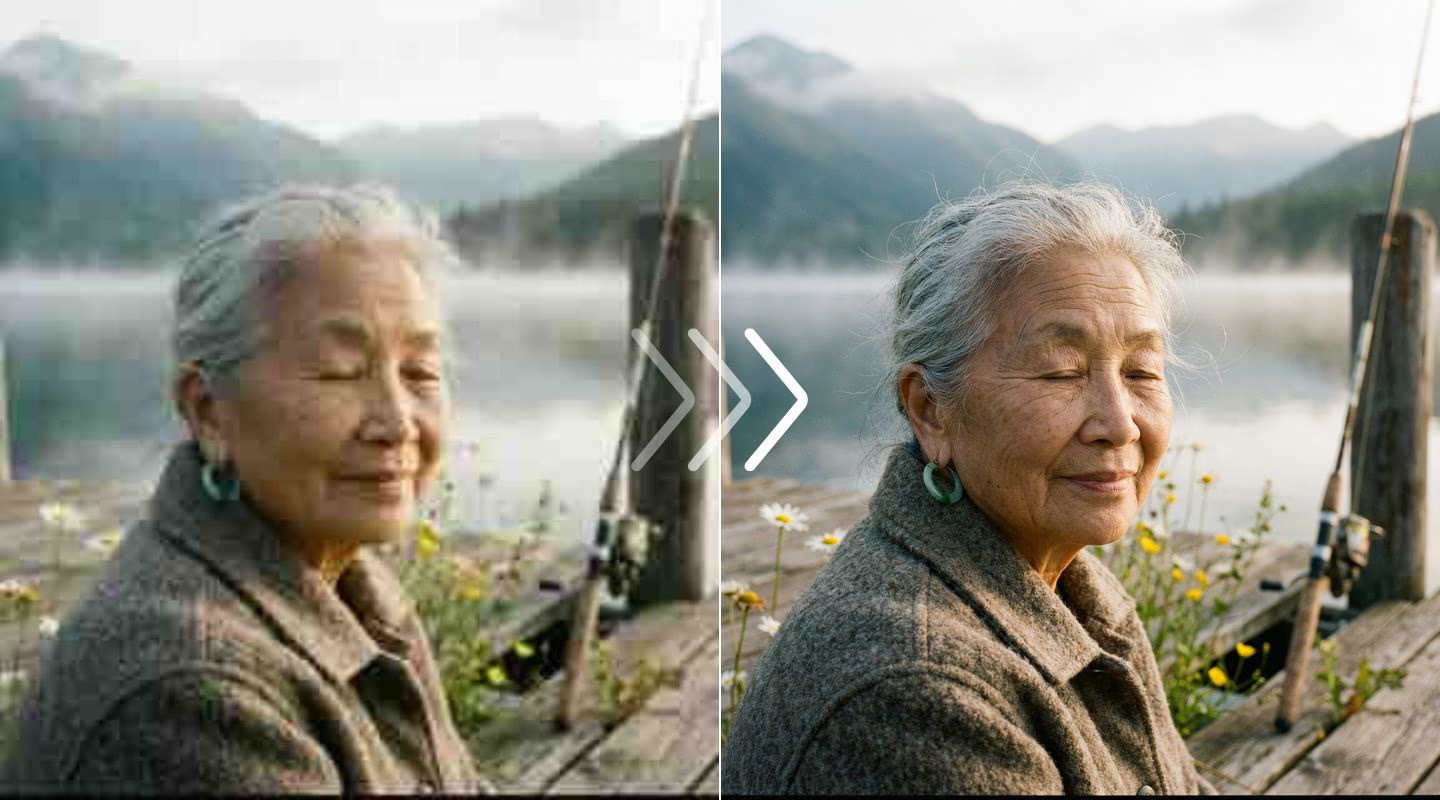
A machine machine that uses AI to improve the image to HD or 4K. All you need to do is upload your picture, which is then enhanced by the AI in terms of clarity, colors, and details. Ideal because one does not require technical skills.
Waifu2x
The anime or illustration images are specifically created. It minimizes the noise and magnifies images without details. Free and simple to use.
Deep Image
Images of natural photos and illustrations. It applies artificial intelligence to enlarge images 2 times, 4 times or even to HD /4K without loss of quality.
Offline Software
Adobe Photoshop
The professional programs that enable the ability to be able to control the image resolution precisely. Through Image Size – Resample – Preserve Details, you are able to increase the quality of images to high resolution and achieve professional outcomes.
GIMP
Alternative to Photoshop (free and open source). Scales and sharps metal tools to enhance the quality of the image. It can be utilized when the beginners are already practicing.
Paint.NET
Easy to use Windows software. Simple image editing and image enhancement Ideal with simple interface and quick processing.
Also Read:Download Phone Number Locator APK – Track Numbers 2026
Mobile Apps
Remini
Intelligent Smartphone application that instantly turns old or poor quality images into HD. Very user-friendly and fast.
Snapseed
The free application of Google that allows sharpening the picture, adding details, and clarity. Simple and effective
Pixlr
Mobile-friendly editor, which enables scaling and upgrading of images simultaneously. Individual improvements are the best.
Explore: Lion APK
Common Mistakes to Avoid
Scaling Too High Low-Quality images
To enlarge images with very small sizes or low resolution to 4K, the images may be blurred or pixelated. The quality of the original image should always be kept in mind to achieve good results.
Disregard of Compression and File Format
Images taken in high compression JPEGs may lower their quality. PNG or any lossless images are better to ensure the high-quality results.
Incidence of Filters or Effects
Too much sharpening or filters may cause unnatural or distortion of images. Apply minor additions in order to have a harmonious appearance.
Relying on a Single Tool Only
There is no such tool that provides flawless results. The combination of AI tools, software, and applications can be the most effective.
Disregard of Original Orientation or Aspect Ratio
Upscaling may result in the distortion of an image when its orientation or aspect ratio is changed. Never crop off the original aspect.
Conclusion
Upgrading the image quality to HD or 4K is now a necessity to produce sharp, professional and eye catching images. Knowing the importance of resolution, having the appropriate online AI applications, offline software, and mobile applications, and not engaging in typical errors can ensure improving the quality of an image significantly without having to spend much time and effort on this task. When using easy step-by-step techniques and pro tips you will make sure that your pictures do not look dark, unnatural, or not even blog worthy, social media worthy, presentation worthy, or even print worthy. Using these simple ways, every person can improve his/her pictures and get impressive effects.